
What control flow means in programming
In JavaScript, control flow refers to the order in which the statements and instructions of a program are executed. By default, code runs sequentially from top to bottom, but control flow statements allow developers to alter this order,
which enables programs to make decisions, repeat tasks, and respond to various inputs and conditions.
Sequential Flow (Default): You leave your house, turn left, drive straight, and arrive at work. This is top-to-bottom, line-by-line execution.
Conditionals (
if/else): "If" there is traffic on the main road, take a detour. "Else" (otherwise), stay on the main road.
The if statement
If it’s raining, you grab an umbrella. If it’s sunny, you grab sunglasses.
Control flow allows your JavaScript to make those same types of decisions.
It first checks the condition, if the condition is true it will execute the code and return from there immediately.
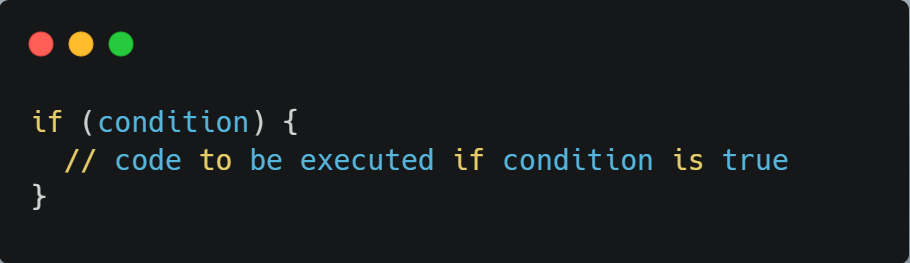
For Example:
let age = 18

if(age >= 18){
    console.log("Adult");
}
else {

}
// Adult
The if-else Statement: The "Either-Or"
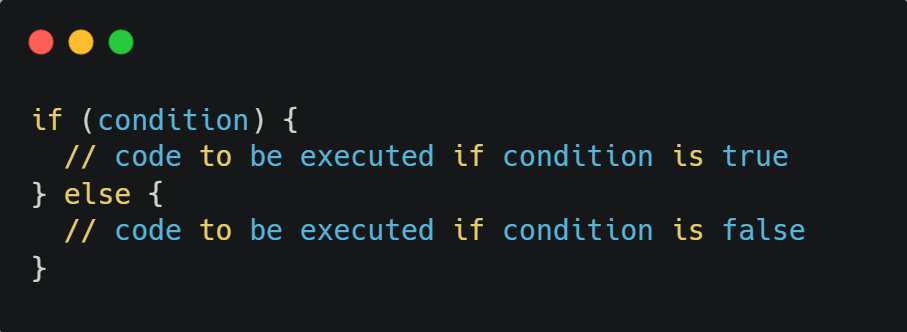
When you want one thing to happen if a condition is true, and a different thing to happen if it’s false, you use else.
let age = 16;

if (age >= 18) {
  console.log("You can vote.");
} else {
  console.log("You are too young to vote.");
}
The computer checks age >= 18. It's false, so it skips the first block and jumps straight to the else block.
And
This program checks If a number is positive, negative, or zero
const number = 2;

if(number > 0){
console.log("Positive")
}
else{
console.log("Negative or Zero");
}

// Positive
The else if Ladder: Multiple Choices
Sometimes you have more than two options (like grading a test). You can chain conditions together.
let score = 75;

if (score >= 90) {
  console.log("Grade: A");
} else if (score >= 70) {
  console.log("Grade: B"); // This will run
} else {
  console.log("Grade: C");
}
Condition starts from if block if it does not meets the condition it will get passed on to next follow up statement block.
It is called a ladder because it consists of multiple "if" and "else" statements arranged in a ladder-like fashion.
If any if or else of else if block meets the condition it runs the piece of code which is inside that block and ignores everything else in the ladder.
The switch Statement: The Map
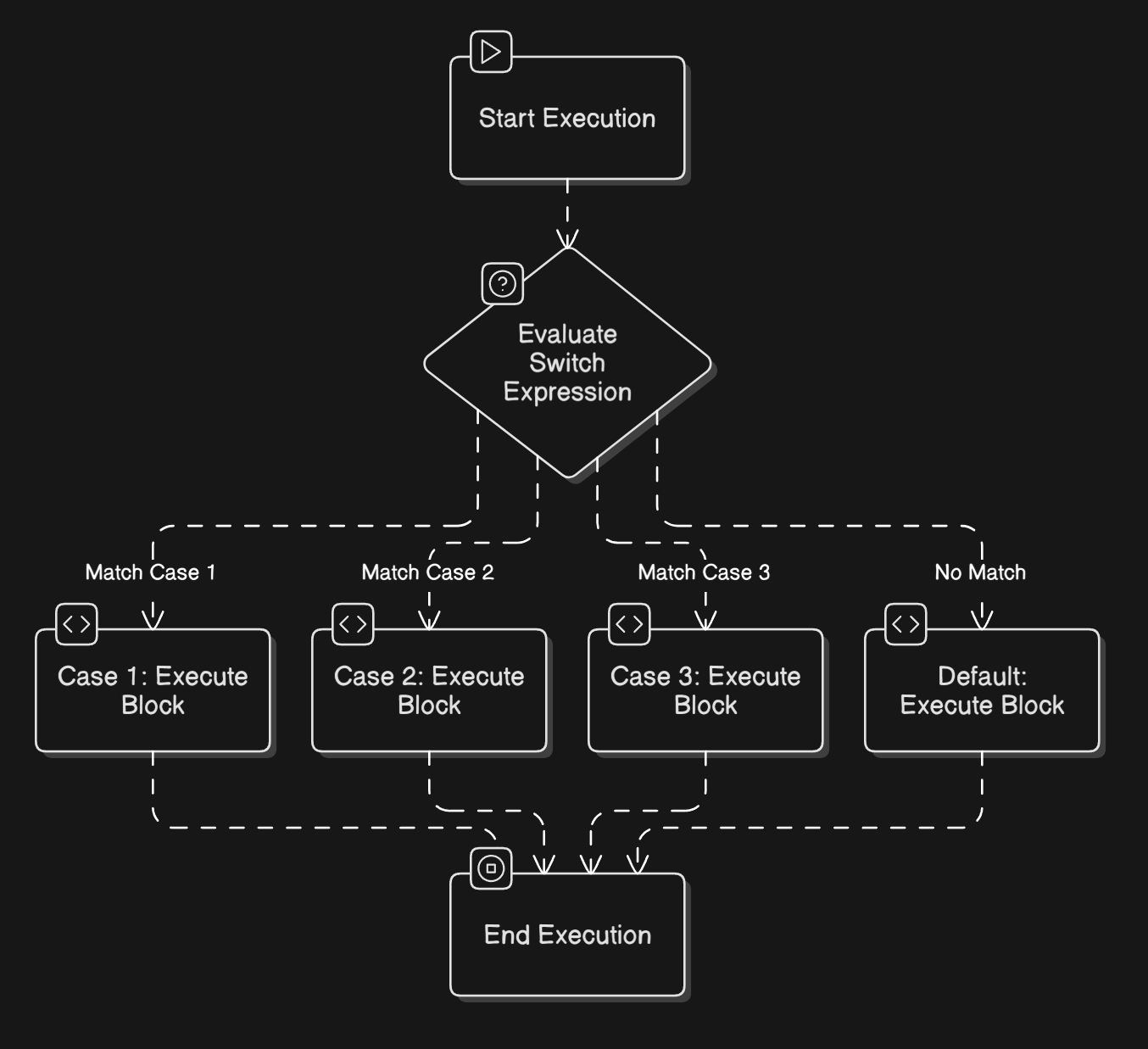
The switch statement is a cleaner way to write code when you are comparing one single value against a list of specific options.
For example:
let fruit = "Apple";

switch (fruit) {
  case "Banana":
    console.log("Yellow and curved.");
    break;
  case "Apple":
    console.log("Red and crunchy.");
    break;
  default:
    console.log("Unknown fruit.");
}
and
// Get the day number (0-6)
const dayNumber = today.getDay();
let dayName;

// Use a switch statement to find the day name
switch (dayNumber) {
    case 0:
        dayName = "Sunday";
        break;
    case 1:
        dayName = "Monday";
        break;
    case 2:
        dayName = "Tuesday";
        break;
    case 3:
        dayName = "Wednesday";
        break;
    case 4:
        dayName = "Thursday";
        break;
    case 5:
        dayName = "Friday";
        break;
    case 6:
        dayName = "Saturday";
        break;
    default:
        dayName = "Invalid day number"; // Should not happen with getDay()
}

console.log(`Today is ${dayName}`);
Why the break?
The break keyword tells JavaScript, "Stop here and jump out of the switch." If you forget it, the code will "fall through" and execute the next case regardless of whether it matches!
if else VS Switch Which one's Great?
Feature | if-else | switch |
Conditions | Great for ranges (e.g., | Best for fixed, single values |
Readability | Can get messy with too many | Very clean for long lists of options |
Logic | Can check multiple different variables | Usually checks one variable |
Bonus +
Ternary Operator: A short hand for if-else
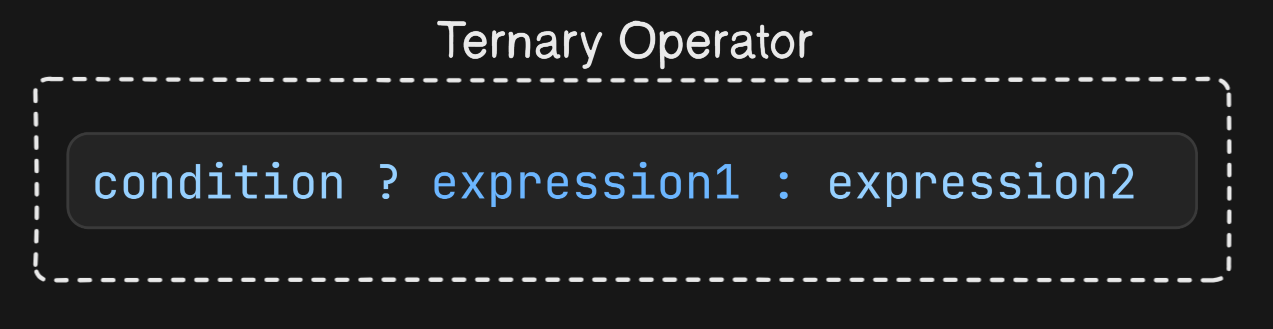
(age > 18) ? "Adult" : "Minor"
Conclusion
Control flow is the backbone of any JavaScript program it determines the order in which your code runs so your app can make decisions, repeat work, and respond to different situations.
You learned the default sequential flow and how conditionals like if and if-else let your code take different paths based on conditions.
Mastering these basics lets you express real-world logic in code: choose actions, handle alternatives, and control when parts of your program run.
Next steps are to practice with examples (try different conditions in the console), explore related constructs like loops and switch for repetition and multi-way branching, and read other developers’ code to see control flow patterns in context.
With consistent practice, control flow soon becomes second nature and it’s a foundation you’ll build on for writing clearer, more reliable JavaScript.
You are all set!
written by theadroitdev(Shivam Verma) :)
X → https://x.com/theadroitdev
Github → https://github.com/TheAdroitDev
ChaiCode Repo → https://github.com/TheAdroitDev/ChaiCode-Cohort-2026


